An accessibility audit workspace for consultants — scan client sites in a real browser, organize WCAG findings, and deliver reports clients can act on.
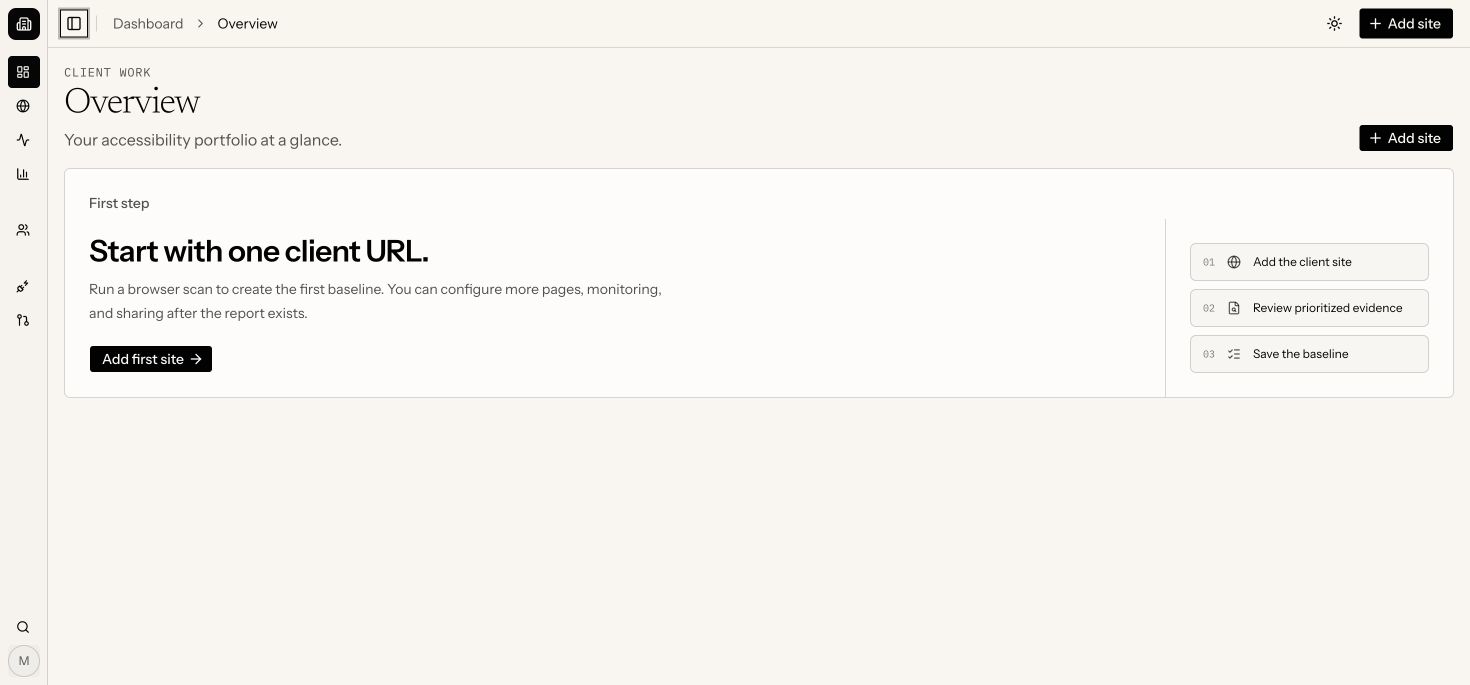
Portfolio overview
Problem
Accessibility consultants spend more time administering audits than doing them — exporting scan results, rebuilding spreadsheets, and rewriting tool output for every client handoff.
Key features
Real-browser scans of any public HTTPS page, running axe-core against the DOM visitors actually use
Standards-linked checks covering WCAG 2.0, 2.1, and 2.2 A/AA rules
Prioritized findings grouped by severity, with the affected element attached to each explanation
Client-ready reports shared through a public link — no account needed to read them
Progress monitoring across a client portfolio, with scheduled re-scans and regression alerts
Browser extension to locate and highlight findings on the live page
Who it's for
Independent accessibility consultants
Small accessibility studios
Freelancers running client engagements
Client development teams fixing findings
Product screens
From setup to delivery.
Meerkat connects the client site, portfolio view, and development workflow in one place.
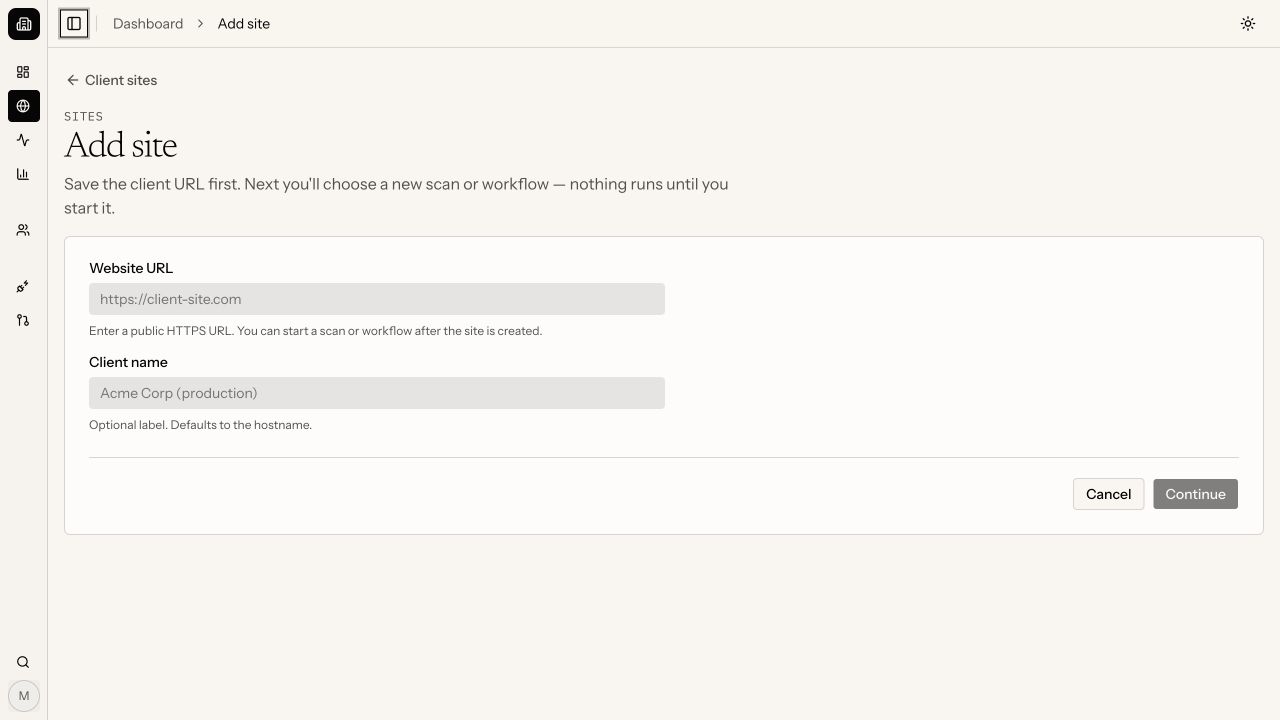
Add a client site
Create the client record, then choose when the first audit runs.
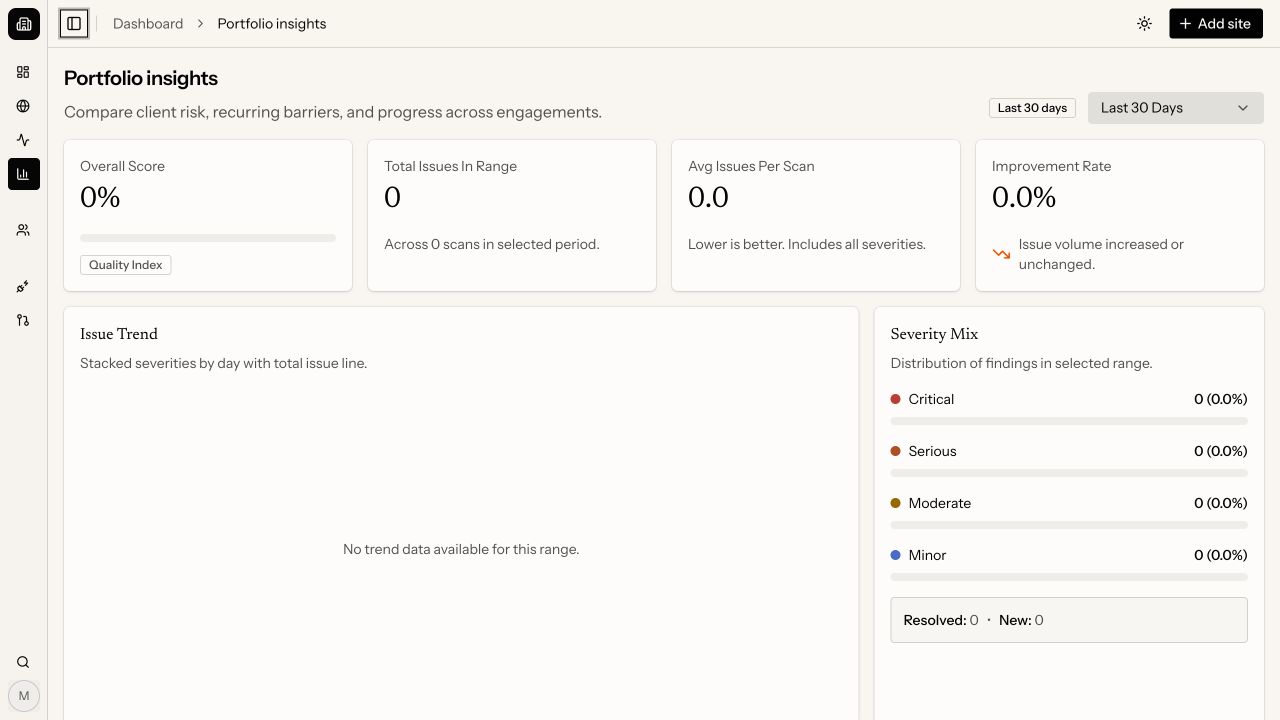
Portfolio insights
Compare issue volume, severity, and trends across clients.
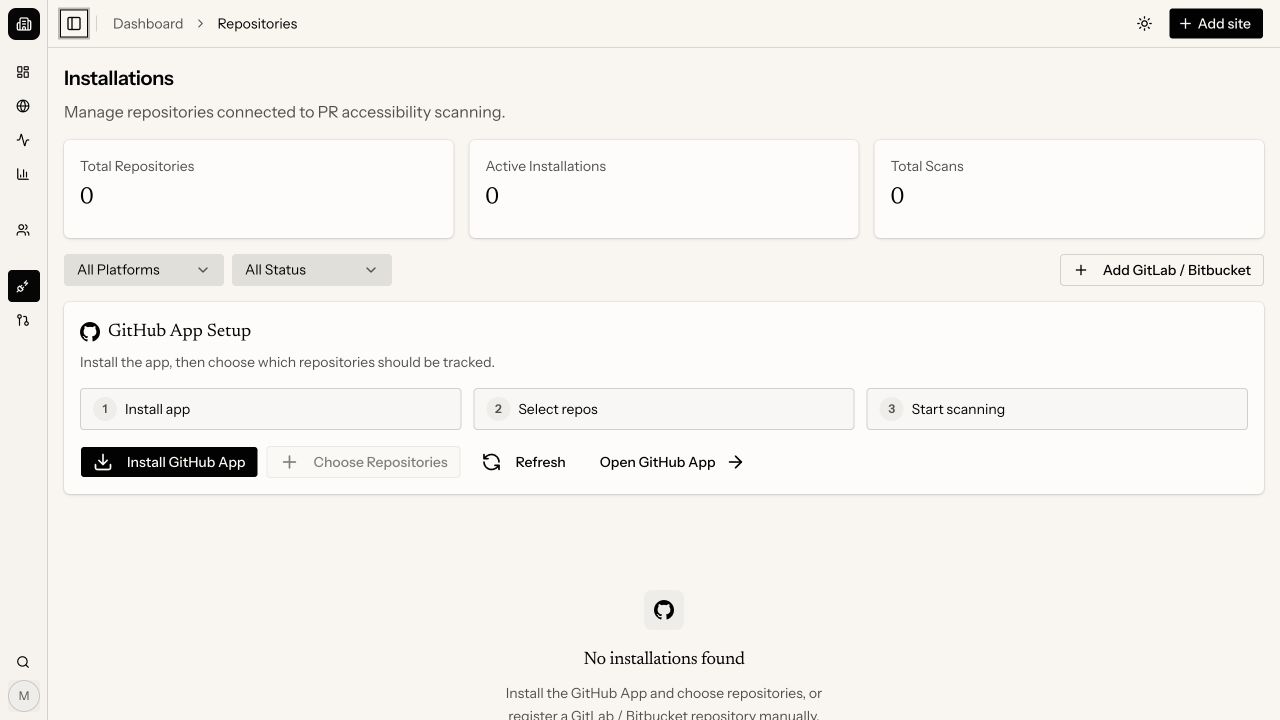
Pull request checks
Connect repositories and run accessibility checks in the delivery workflow.